Students can now choose to automatically advance to the next question – without having to click the “Next” button.
How does it work?
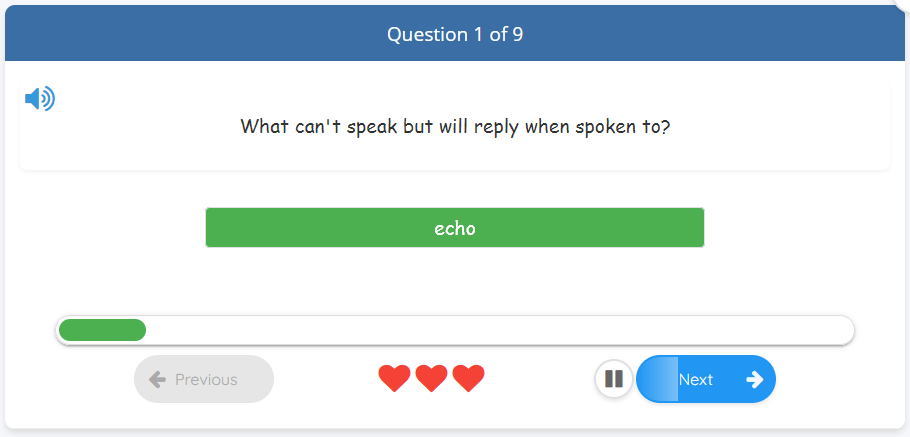
When you answer a question correctly on the first try, a countdown starts and the game advances automatically. If you answer incorrectly, the auto-advance does not activate – giving you time to reflect on what was right and wrong before clicking next yourself.
A small pause button appears next to “Next” during the countdown, and the button fills with an animation from left to right showing how much time remains. If you click the pause button, auto-advance is turned off for the rest of the round, so you can continue at your own pace.
Student: Choose your own delay
Under Settings, you can choose how long the delay should be – from 3 to 10 seconds – or turn the feature off entirely. Choose a shorter time for a faster pace, or a longer time if you want to read explanations.
Information for teachers and parents
The setting is found under the student’s account settings. The default value is 5 seconds. Anonymous players who are not logged in always get the default value. Logged-in students who prefer to always click manually can turn the feature off by selecting “Off” in their settings.