
Present Perfect, Subjunctive Mood, and Past Participle Practice for Spanish III Adv.
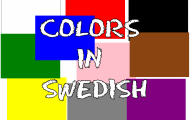
Practice the names of colors in Swedish in multiple game types.

Practice the name of the days of the week in Swedish by playing. Practice both reading and writing the days of the week yourself in Swedish.

Learn Swedish names for 17 ice cream flavors, including fruits, berries, tropical flavors, chocolate, vanilla, and caramel.

Learn what the months are called in Swedish with several different types of questions in this game.
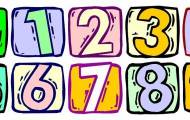
Practice reading and writing of numbers from 0 to 100 in Swedish.

What is magnetism? Discoveries and inventions related to magnetism. Here you can practice the concepts and your basic knowledge about magnetism.

Learn to recognize the wheel, screw, inclined plane, wedge, and lever — the simple machines behind all mechanical technology.
You have the right to cancel a purchase of a plus membership within 14 days of the order date, provided that the activation code has not been used. Follow the link in your order confirmation or receipt email from Helpful Games. The link takes you ...
Delete results for a single game If you have played a game, you can delete your result directly from the game page. Go to the game where you want to delete your result Click the "Delete game results" button (located to the right of the "Share" ...