We’ve improved the tracking of your game results so you can now see your progress in even more detail – whether you’re logged in or not.
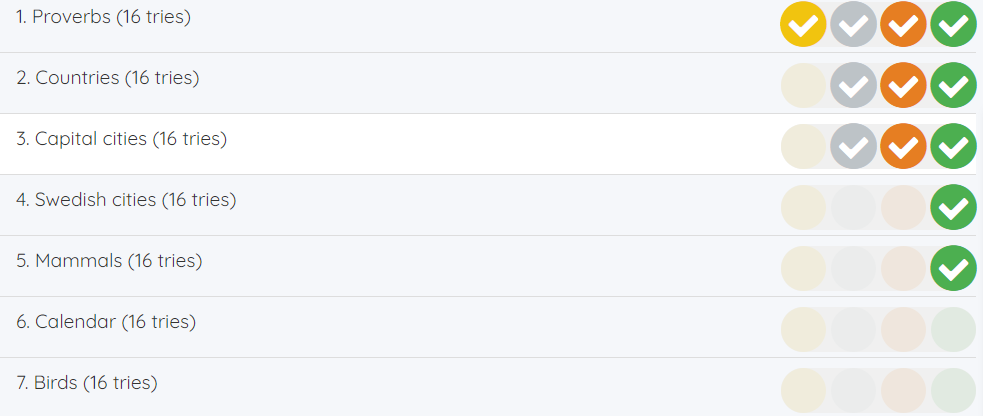
As before, you can find your results by clicking on your knowledge points or medals in the Your Results section (the leaderboard) in the right column. What’s new is that you can now click all the way down to the game level as a logged-in student. Select a subject to see your results per game, then click on a game to see how you did on each individual game level. Click on the game level you want to examine in detail for even more information!
Students who aren’t logged in can now see down to the game level instead of just an overview. If you log in as a student, you get access to even more detailed results, as described above.
This makes it easier to see exactly where your strengths lie and what might be worth practising a little extra.
For teachers, the new level of detail makes it possible to follow a student’s progress more closely than before. You get a clear overview per game, and when needed, you can click down to the game level for a more detailed picture. As before, you can find the student’s results under Follow-up -> Students when you’re logged in as the student’s teacher.
Try it yourself – click on your knowledge points or medals and explore the new detailed game level results!